Practical guide
QR codes on domed stickers: how to keep them scannable
Size, contrast, quiet zones and reflections: how to turn a QR code into a polished dome label without losing its core function.
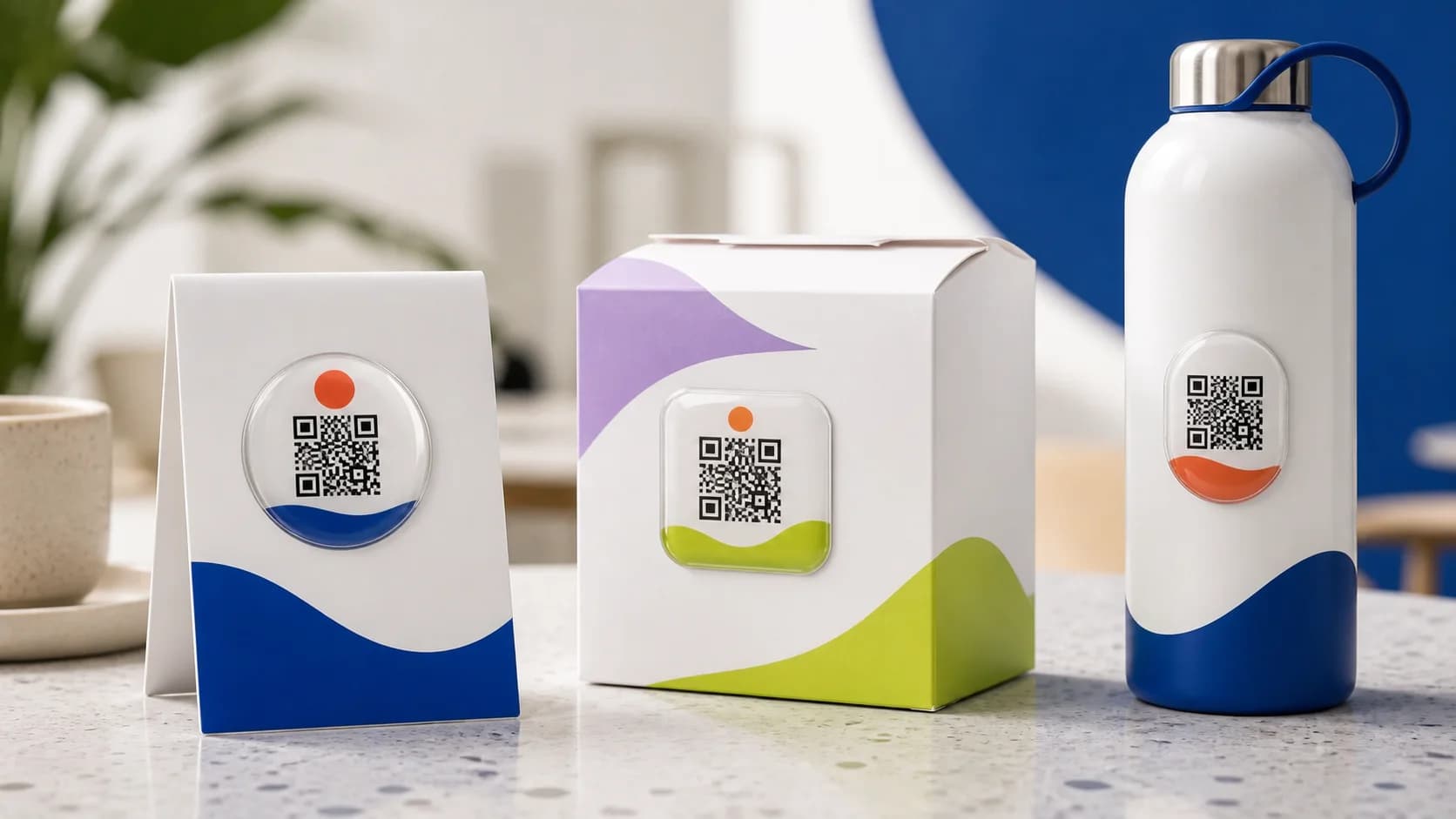
A QR code can open a menu, payment page, instruction, warranty, feedback form or reorder screen. A domed sticker can make that interaction more noticeable and more durable than a temporary paper card, but it adds an optical factor: a clear convex lens reflects light. The attractive design must therefore remain technically scannable.
The most common mistake is reducing a code to a decorative detail and testing it only on a monitor. A camera sees the finished object, not the source file: physical module size, glare, angle, viewing distance and the surrounding background all affect the result. A reliable workflow begins with a test at final size.
A QR code is a navigation tool first and a graphic element second. Reverse that order and you may get a beautiful image with no useful action.
Functional artwork criterion
Five conditions for reliable scanning
- Strong contrast. Dark modules on a plain light background are generally safer than complex colour combinations.
- A clean quiet zone. Keep borders, words, logos and decorative waves away from the matrix.
- Adequate physical size. Longer encoded data creates a denser grid with smaller modules.
- A reasonably flat surface. Strong curvature distorts the geometry seen by the camera.
- Reflection testing. Check the finished size under different light and with several phones.
Why a short URL helps
QR complexity depends on the amount of encoded data and the selected error-correction level. A long address containing tracking parameters produces a denser matrix. A short, stable URL on a domain you control can redirect to the final page. This keeps the physical code simpler and may let you change the destination without reprinting, provided the redirect service is maintained.
Choosing the physical size
There is no universal minimum diameter for every QR code. Matrix density, print quality, scanning distance and camera capability all matter. Generate the actual code, print it at 1:1 and test it. Then retain a margin of safety, because a resin lens and the real environment are less controlled than a white sheet under an office lamp.
A café customer may hold a phone tens of centimetres from a tabletop code, while a code on a small product is inspected more closely. Design for the expected distance. If the label also needs a logo or prompt, increase the overall shape rather than crowding the matrix and its quiet zone.
Useful placements for a domed QR code
- a tabletop sign or flat area of a table for menus and payment;
- a reusable package for instructions and repeat orders;
- equipment casing for manuals, service or registration;
- a promotional gift linking to event content or a digital bonus;
- a showroom sample leading to detailed specifications.
Avoid areas constantly covered by a hand, scraped by a lid or flooded during cleaning. On a cylindrical object, use a small area with the least curvature. Outdoor and automotive use require confirmation of the material, adhesive and environment followed by a real sample test.
Pre-production checklist
- the destination loads quickly and is mobile friendly;
- the code has high contrast and a clear quiet zone;
- the artwork has been printed and checked at 1:1;
- scanning works on iOS and Android under bright and diffuse light;
- the application point is flat and protected from constant abrasion;
- someone is responsible for maintaining the destination URL.
If any item remains uncertain, enlarge or simplify the code before production. A redirect can sometimes repair a digital destination later; it cannot change the geometry of a finished physical batch.
How it looks

